Use GPT-5, Gemini & Claude AI models in your Google Sheets™
From API and SQL integration to AI-powered analysis, Power Formulas gives you the tools you need to take your data analysis to the next level.
Try Power Formulas
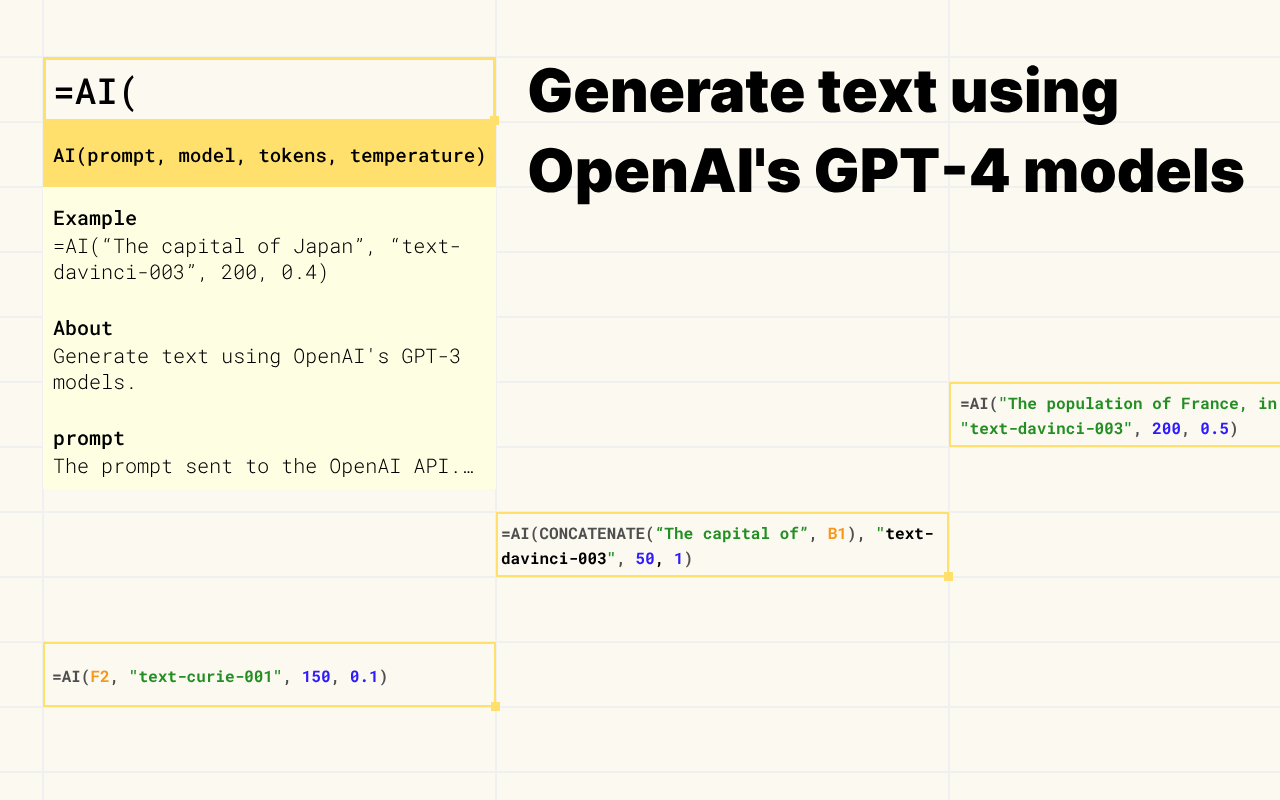
AI
Harness the power of
=AI()
Leverage the power of artificial intelligence to gain insights, make predictions, and automate tasks in your Google Sheets™. The =AI_TEXT() formula connects your spreadsheet to OpenAI's ChatGPT, GPT-5 and all major LLM providers (Gemini, Claude etc), enabling you to perform advanced analysis and uncover hidden patterns in your data.
Try Power Formulas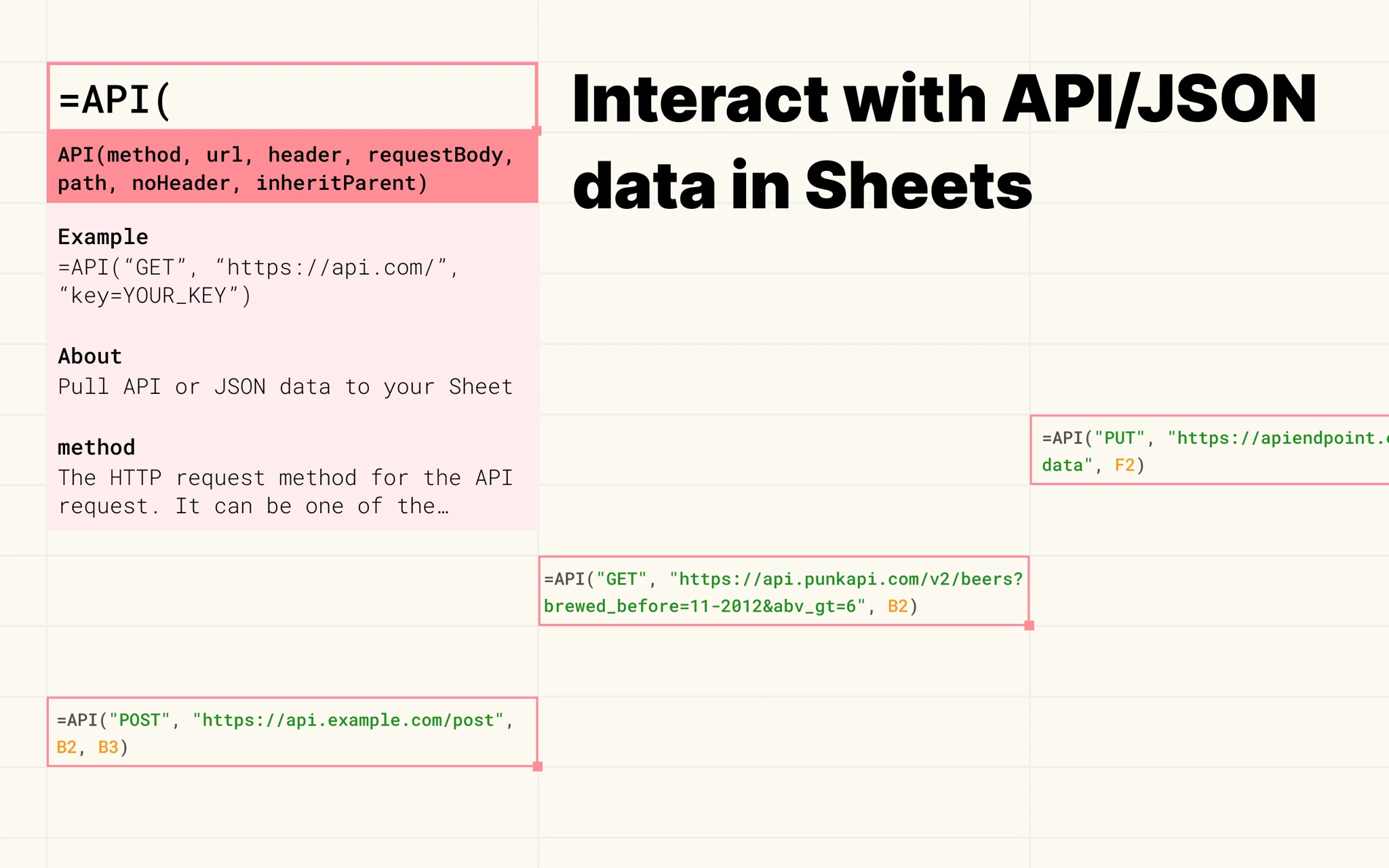
API
The
=API()
Elevate your Google Sheets™ experience with the =API() formula in Power Formulas. Effortlessly connect to any API, import JSON data. Harness the power of real-time data updates to make informed decisions and boost your data analysis capabilities.
Try Power Formulas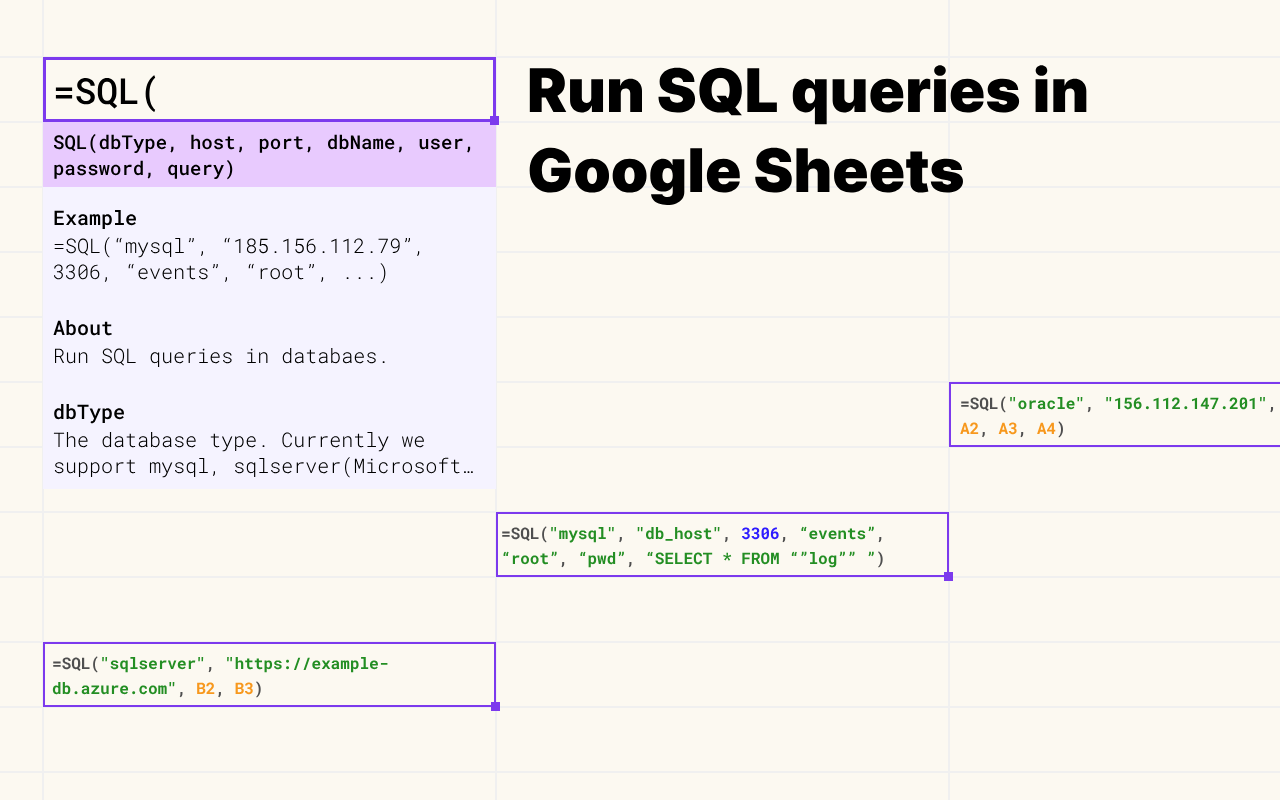
SQL
=SQL()
Easily connect to various databases, execute SQL queries, and synchronize data for a seamless experience. Empower your data analysis by integrating real-time database updates.
Try Power Formulas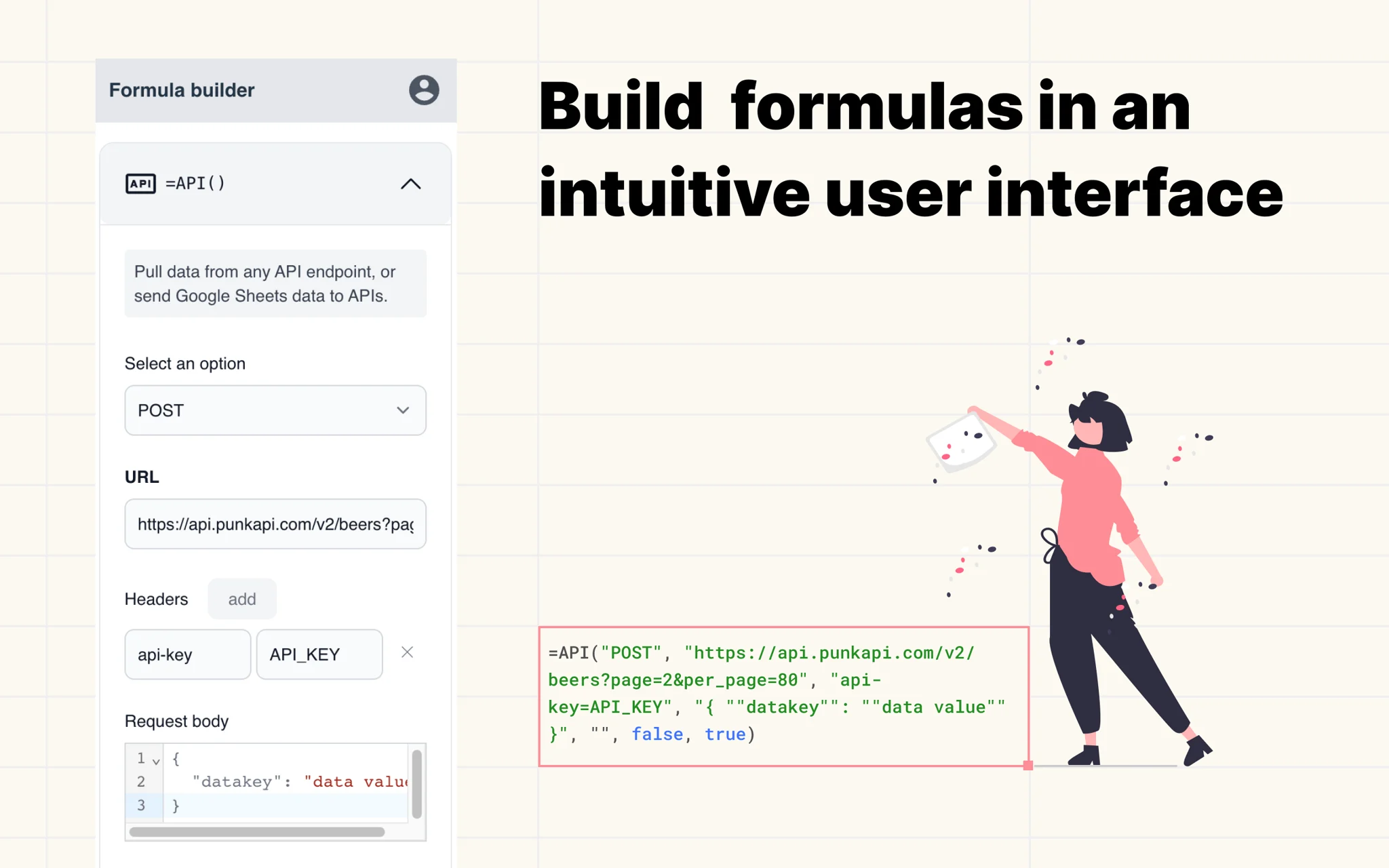
No-code
No-formula,
as in no-code
Craft and customize formulas with ease using our user-friendly interface. Just select and type in the information needed and let Power Formulas generate the formulas for you.
Try Power Formulas